Six Playbook-Proven Ways to Sell More RVs This Season
Turn RV shoppers into loyal owners with six practical tactics that blend modern CRM workflows, Lot-ready merchandising, and data-backed follow-up.
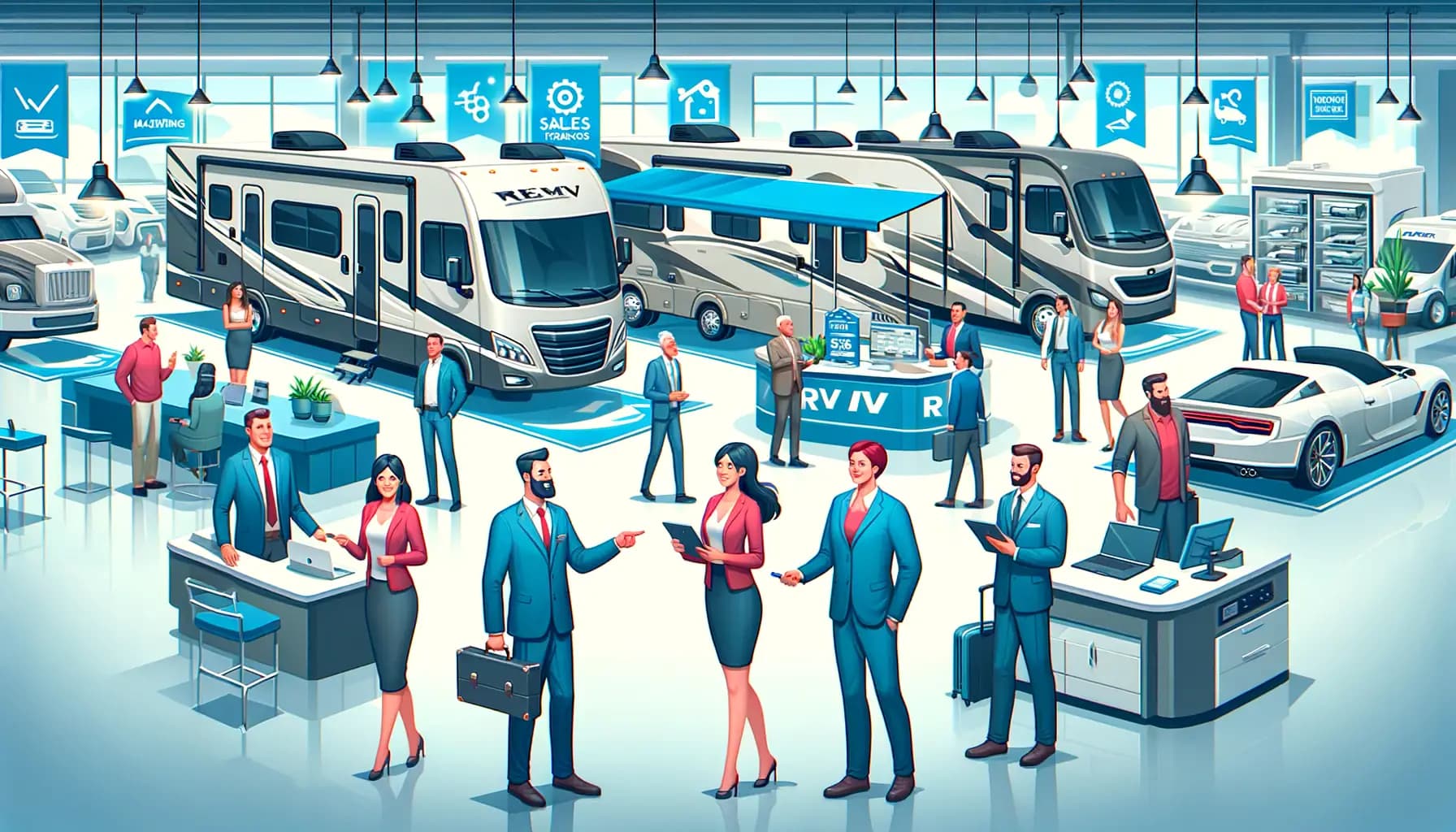
Tax refunds, remote work, and the desire for flexible travel put RV demand at all-time highs—yet many dealerships still leave deals on the table. Shoppers research online, compare multiple rooftops, and expect the same guided journey they get from top-tier automotive stores. This guide breaks down six practical ways to modernize your sales process using your CRM and desk, RV-specific merchandising, and omnichannel messaging. For a deeper operational foundation, check our RV inventory management guide and the capabilities inside DealerClick RV Dealer Software.
The Problem
RV shoppers juggle long buying cycles, higher price tags, and dozens of customization decisions. Sales teams often rely on old scripts, manual follow-up lists, or siloed CRMs that fail to capture the entire family’s needs. The result: stalled deals, slow response times, and customers who go dark after their first visit. When every unit on the lot carries tens of thousands of dollars in flooring, you cannot afford a leaky sales funnel.
The Solution
Build a repeatable sales framework that blends in-person hospitality with digital precision. In DealerClick, each lead is assigned to a rep, and text and email templates, scheduled sends, and follow-ups keep every household in touch. Layering the six tips below onto your existing playbook ensures every shopper gets the right follow-up, pricing conversation, and demo—whether they start online or walk onto the lot.
Key Benefits
- Higher appointment show rates: Automated confirmations, reminders, and text updates reduce no-shows.
- More personalized demos: Discovery forms capture lifestyle data, so product specialists tailor walkthroughs.
- Faster decision cycles: Structured follow-up sequences keep urgency high and answer objections quickly.
- Better upsell attachment: CRM prompts ensure accessories, service plans, and storage options stay front-and-center.
- Consistent reporting: Managers see real-time KPIs (lead response time, closing ratios, add-on penetration).
- Happier customers: Digital touchpoints plus proactive service scheduling build long-term loyalty.
Different RV hotbeds need unique tweaks. Texas megadealers run multi-lot operations with 254-county tax rules, Florida stores seasonally pivot around hurricanes and snowbird demand, California rooftops juggle CARB/CDTFA compliance plus multilingual shoppers, and Washington groups serve both Puget Sound and cross-border Portland buyers. Keep those location pages handy while applying the six tips so discovery scripts, pricing, and follow-up match each market’s quirks.
How It Works
-
Own the first impression
- Deploy a welcome script and lobby signage that highlights your specialties (boondocking rigs, luxury fifth wheels, toy haulers).
- Log every walk-in immediately in DealerClick CRM and record their preferred channel (text, email, phone).
- Offer a digital showroom guide or QR code linking to live inventory so the entire household can browse together.
-
Run structured discovery
- Use tablet-based questionnaires covering travel style, tow vehicle specs, storage needs, and budget.
- Mirror the approach we outline in our inventory management guide by categorizing prospects into lifestyle segments (full-time, weekend warrior, family, luxury).
- Record each prospect in DealerClick CRM with desired models, and appraise the trade in DealerClick.
-
Deliver multi-sensory demos
- Prep the unit (lights, climate control, awning, accessories) before shoppers arrive.
- Use a demo checklist to highlight top three features tied to their stated needs.
- Capture photos or short videos on the customer’s device so they can recap with family later.
-
Price transparently & bundle value
- Present payment options, trade equity, and accessory bundles using DealerClick desking tools.
- Offer tiered packages (Adventure, Luxury, Family) that include service plans, storage, and delivery.
- Provide financing pathways (credit unions, in-house programs) so budget conversations stay positive.
-
Automate follow-up & community touchpoints
- Launch a three-channel cadence: same-day thank-you text, next-day recap email with photos, and 72-hour phone call.
- Invite prospects to owner workshops, campground meetups, or livestream walkarounds.
- Auto-create tasks for sales + F&I to reach every decision maker, not just the primary buyer.
-
Close confidently & stay connected
- Use trial closes (“If delivery is next Friday, will that work?”) to gauge readiness without pressure.
- Once sold, schedule service reminders and accessory follow-ups as scheduled texts and emails in DealerClick CRM.
- Share concierge-level support messaging similar to our pocket guide on digital transformation to reinforce your modern experience.
Sales Tip Playbook Snapshot
| Tip | What to Look For | Outcome |
|---|---|---|
| Structured discovery | Custom CRM forms + household profiles | Better-qualified demos and higher attachment rates |
| Bundle-based pricing | Desking + F&I workflows | Higher PVR without hard selling |
| Automated follow-up | SMS/email templates + task rules | Consistent communication and higher appointment show rates |
| Post-sale onboarding | Service scheduler + campaign automation | More referrals and future trade-ins |
An Illustrative Example
Picture an RV dealer in Tennessee running this six-step playbook. What changes:
- Every walk-in is logged before the demo starts.
- Bundles are presented on the desk, not improvised at the close.
- Follow-ups go out by text and email on a schedule.
- Owners hear from the store before their first service is due.
RV sales resources by state
- Texas RV sales playbook: TxDMV/eLIEN, bilingual contracts, and 254-county tax rules for large campuses.
- Florida RV dealer software: DHSMV e-services, hurricane contingencies, and 67-county surtaxes.
- California RV hub: CARB/CDTFA rules, DMV e-filing, and multilingual shoppers in LA, the Bay Area, and the Central Valley.
- Washington RV hub: RTA taxes, DOL ELT filings, and cross-border buyers in the Puget Sound and Vancouver markets.
- Illinois RV strategy: Chicago-market taxes, temp permits, and Midwest weather.
- Tennessee RV strategy: Sales tax nuances and the Nashville/Knoxville markets.
Conclusion
Selling more RVs is not about flashy gimmicks; it’s about consistent processes, transparent communication, and digital convenience. Use the six tips above to rework your sales training, then let DealerClick CRM’s templates, scheduled sends, and follow-ups keep every rep on the plan. When you combine data-driven discovery, personalized demos, value-based pricing, and disciplined follow-up, you turn occasional buyers into lifelong travelers. Ready to see these tactics inside your CRM and showroom? Book a DealerClick walkthrough today.
Frequently Asked Questions
How many follow-up touches should I schedule for each RV prospect?
Aim for at least five touches in the first week (text, email, phone, social retargeting, event invite). Scheduled sends and follow-ups in DealerClick CRM keep any prospect from being forgotten and keep messaging consistent.
What metrics should I monitor to see if the tips are working?
Track lead response time, appointment show rate, demo-to-sale conversion, average PVR, and post-sale referral volume. Review them in the DealerClick reports hub and dashboard so managers can coach every week.
Stay Updated
Get the latest auto dealer insights delivered straight to your inbox.
No spam. Unsubscribe anytime.